
ダッシュボード
Cloudflareダッシュボードを使用してWorkers AIアプリケーションを作成するためのガイドに従ってください。
まだの場合は、Cloudflareアカウント ↗にサインアップしてください。
Workers AIアプリケーションを作成するには:
- Cloudflareダッシュボード ↗にログインし、アカウントを選択します。
- Workers & Pagesに移動します。
- アプリケーションを作成を選択します。
- テンプレートを使用して作成の下で、LLM Appを選択します。テンプレートを選択すると、ダッシュボードにAIバインディングが作成されます。
- 提供されたコードを確認し、デプロイを選択します。
- 提供された
workers.devサブドメインでWorkerをプレビューします。
Editing in the dashboard is helpful for simpler use cases.
Once you have created your Worker script, you can edit and deploy your Worker using the Cloudflare dashboard:
- Log in to the Cloudflare dashboard ↗ and select your account.
- Select Workers & Pages.
- Select your application.
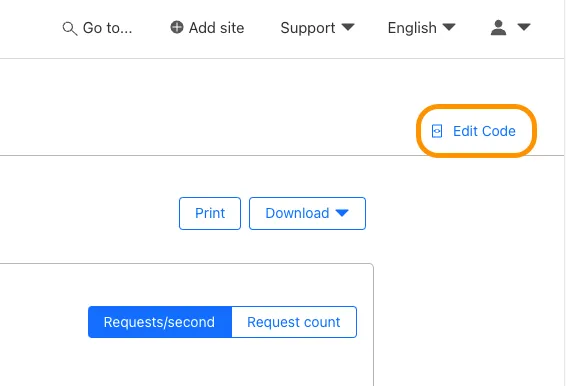
- Select Edit Code.
To develop more advanced applications or implement tests, start working in the Wrangler CLI.
- Run the following command, replacing the value of
[<DIRECTORY>]which the location you want to put your Worker Script.
npm create cloudflare@latest [<DIRECTORY>] -- --type=pre-existingyarn create cloudflare@latest [<DIRECTORY>] --type=pre-existingpnpm create cloudflare@latest [<DIRECTORY>] --type=pre-existingbun create cloudflare@latest [<DIRECTORY>] --type=pre-existingAfter you run this command - and work through the prompts - your local changes will not automatically sync with dashboard. So, once you download your script, continue using the CLI.